
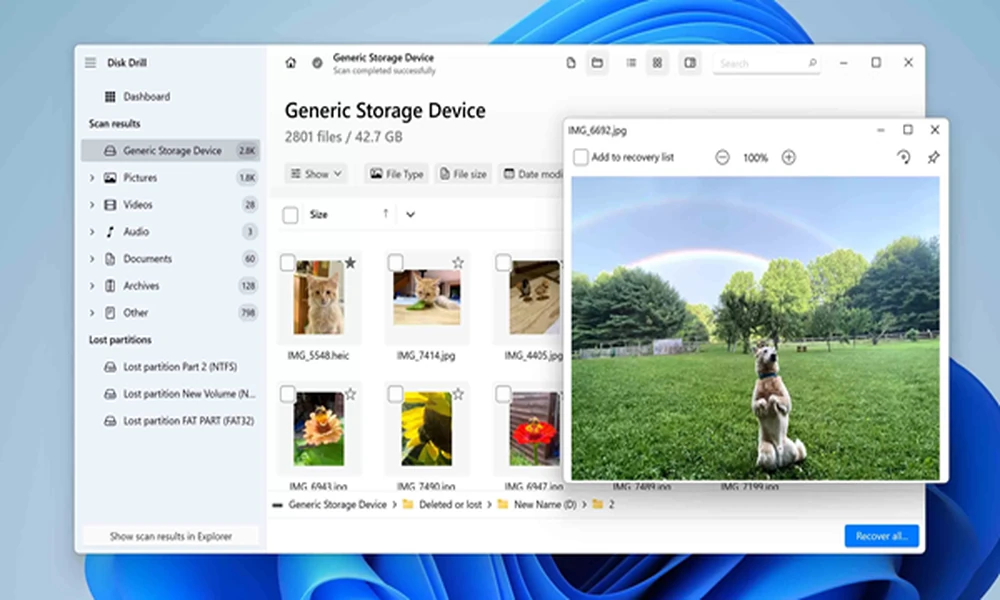
Data loss may happen at any time due to a system crash, file corruption, or unintentional deletion. So, what will you do if you have lost your essential files? Most users think of using standard file recovery applications. However, they do not know the importance of deep scans conducted by advanced data recovery software. This process is essential for rebuilding your fragmented data.
Understand the deep scanning solution and fragmented data
A deep scan involves analyzing the storage device and examining its underlying data structures. It searches for hidden files using directory information and explores every sector of the storage medium.
This approach lets recovery tools find traces of files even if your OS cannot recognize them. To understand the significance of deep scans, you need to understand file fragmentation.
When you save the file, the storage unit does not place its data in a single location. Over time, deletion and modification cause a single file to get scattered. In other words, fragments refer to the scattered pieces of files.
Is data recovery just about managing file tables?
Conventional recovery processes depend mainly on directory entries, indexes, and file allocation records. If these records are corrupted or missing, basic recovery tools may not find the desired files.
This is where you need to take advantage of deep scans. There is no need to rely on file tables, as the advanced tool searches for recognizable patterns. Each type of file comes with unique characteristics that help the tool identify its structure.
Rebuild fragmented sectors
Reconstructing fragmented files is the most significant aspect of the deep scanning process. High-end recovery applications identify the relationships between recovered file fragments. The process involves checking your file signatures, structural consistency, and storage layouts.
Although successful recovery depends on the level of data overwriting and damage, deep scans improve the chance of restoring files. PandaOffice Drecov data recovery software is an advanced solution, allowing you to restore your files. It runs the deep scanning process to locate your files.
Conclusion
Deep scanning is one of the powerful features of data recovery tools. By examining storage systems at the sector level, it detects hidden file fragments.
